
Choosing the right processor is an important step when buying a new computer or upgrading your existing system. The processor, also called the CPU, affects how smoothly your computer handles everyday tasks, demanding applications, and multitasking. However, with so many processor models, specifications, and brands available, finding the right one can feel confusing.
The key is to understand what you actually need from your computer. Whether you use it for everyday browsing, office work, gaming, video editing, or professional tasks, the right processor should deliver the performance you need without making you pay for features you will rarely use. A little research before buying can also help you avoid compatibility issues and unnecessary expenses.
Understand What a Processor Does

A processor is the main component responsible for executing instructions and performing calculations in a computer. It works with other hardware, including RAM, storage, and the graphics card, to keep your system running efficiently. Every time you open an application, browse the internet, or perform a calculation, your CPU helps process the instructions required to complete that task.
A processor with suitable performance can help applications run smoothly, improve multitasking, and handle demanding workloads more effectively. However, overall computer performance also depends on other components, so choosing a powerful CPU alone does not guarantee a faster system. Think of your processor as the computer’s control center: the better it matches your workload, the more effectively your system can handle everyday tasks.
Identify What You Will Use Your Computer For

Before comparing processor models, consider how you plan to use your computer. A processor designed for demanding professional applications may be unnecessary for someone who mainly browses the internet, watches videos, or works with documents. Understanding your daily activities helps you focus on the features that will make a noticeable difference.
Your typical workload determines how much processing power you need and whether a basic, midrange, or high-performance CPU is suitable. Use the following guide to identify the type of processor that may fit your requirements.
| Your main activity | What to look for |
| Browsing and everyday tasks | Modern entry-level or midrange CPU |
| Office work and multitasking | Midrange CPU with good efficiency |
| Gaming | Strong single-core performance and suitable gaming benchmarks |
| Video editing and content creation | Higher core count and strong multi-core performance |
| Professional workloads | High-performance CPU suited to your software |
A practical tip: Focus on the applications you actually use rather than choosing a processor simply because it has a higher price or a more impressive name.
Compare Intel and AMD Processors
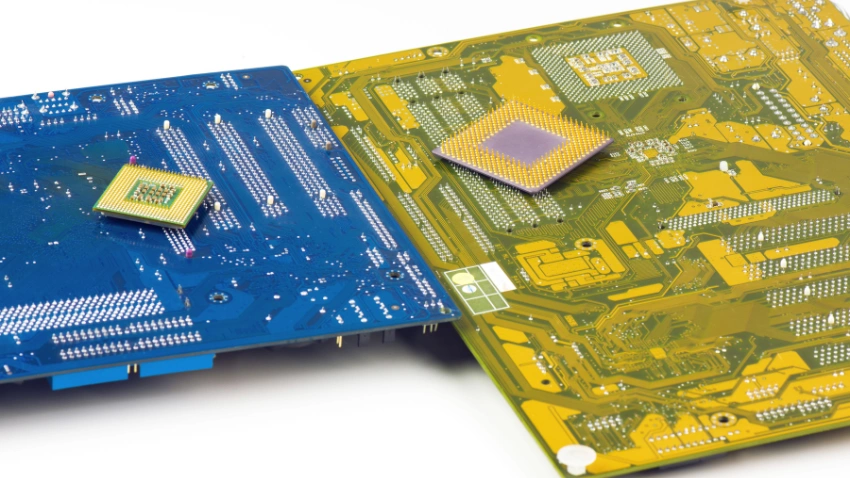
Intel and AMD are two major processor manufacturers, and both offer CPUs for everyday computing, gaming, and professional workloads. Intel’s Core and Core Ultra families include processors for different types of computers, while AMD offers Ryzen processors across desktop and laptop categories. Each product family contains models with different performance levels, features, and power requirements.
When comparing processors from these manufacturers, consider the exact model and generation instead of relying on the brand name alone. A processor’s performance, price, compatibility, and efficiency can vary significantly within the same product family. Comparing individual models helps you understand which features are useful for your needs and which ones you can comfortably skip.
Check the Number of Cores and Threads
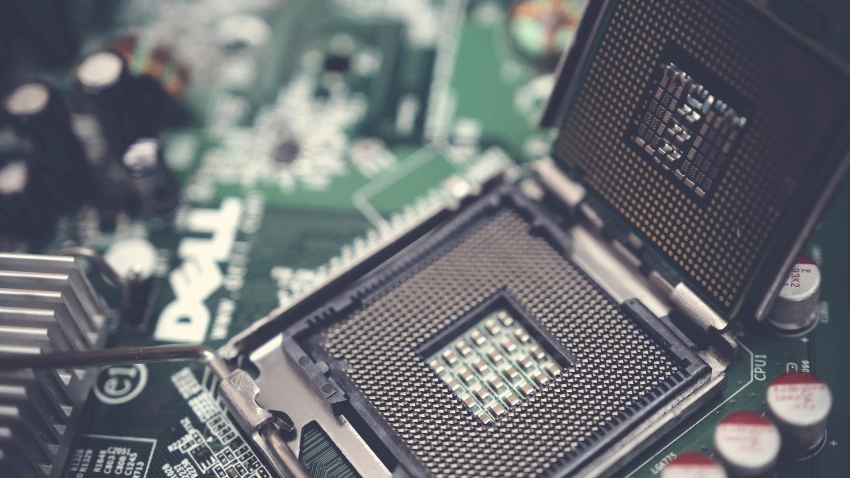
Cores and threads are important specifications when comparing processors. A core is a physical processing unit, while a thread represents a sequence of instructions that the CPU can work on. Some processors support simultaneous multithreading, allowing a single core to handle multiple threads and improve performance in supported applications.
More cores can improve performance in applications designed to use them, such as video rendering, 3D production, and certain professional workloads. However, many everyday applications do not benefit equally from a large number of cores. For general use, a modern processor with a modest core count can provide a responsive experience, while demanding creative work may benefit from additional cores.
Remember: More cores do not automatically mean better performance. Architecture, clock speed, cooling, and software optimization also matter when comparing CPUs.
Understand Clock Speed and CPU Performance
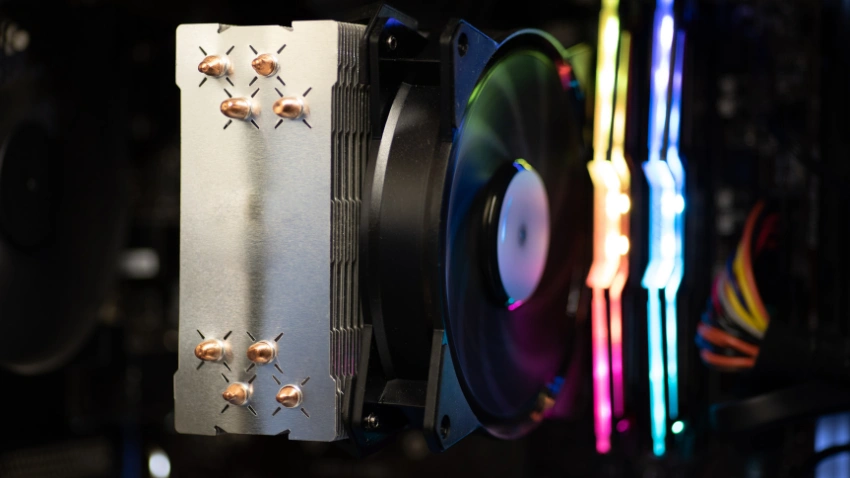
Clock speed, measured in gigahertz (GHz), indicates how many clock cycles a processor performs each second. It is commonly listed as a base clock and a maximum boost clock. Higher clock speeds can contribute to faster performance, particularly in applications that depend heavily on individual CPU cores.
However, comparing clock speeds across different processor generations or architectures can be misleading. A newer processor operating at a lower clock speed may outperform an older CPU running at a higher frequency because it can perform more work per clock cycle. This is why looking at the complete specifications and real-world performance is more useful than relying on GHz alone.
When evaluating a processor, compare single-core and multi-core benchmark results, sustained performance, power consumption, and thermal limits. These factors provide a clearer picture of how well a CPU will perform during your everyday tasks and demanding workloads.
Choose a Processor That Matches Your Budget

Your budget plays a major role in choosing the right processor. A more expensive CPU may offer additional cores, higher performance, or advanced features, but those benefits are only worthwhile if they support your needs. Spending extra on processing power you rarely use may not provide a meaningful improvement in your everyday experience.
For basic computing, an affordable modern processor may provide everything you need. For gaming, video editing, or professional applications, spending more on the CPU can make sense when it improves performance in your preferred software. Consider the complete cost of your computer, including the motherboard, RAM, cooling system, and graphics card if required.
Budget planning tip: Avoid spending most of your budget on the processor while leaving too little for other components that directly affect your experience. A balanced system can provide better overall value than one built around an unnecessarily expensive CPU.
Check Processor Compatibility With Your Motherboard
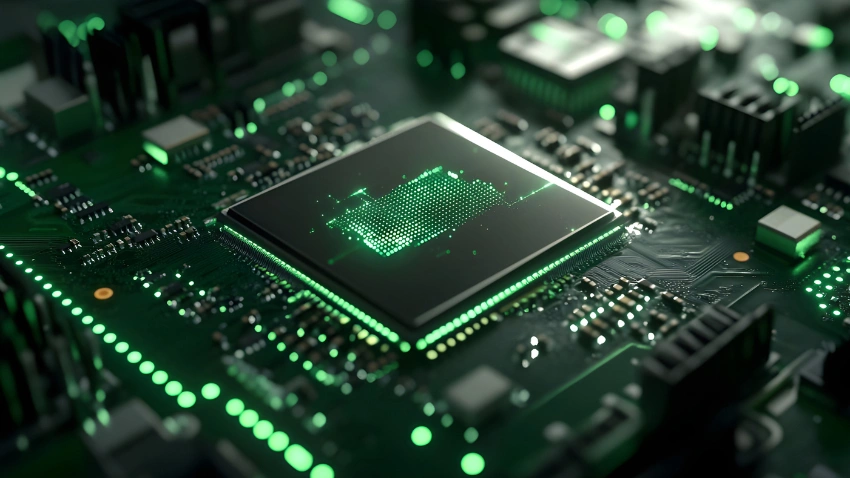
If you are building a computer or upgrading an existing one, compatibility is essential. Not every processor works with every motherboard, even when the components come from the same manufacturer. The CPU socket determines whether the processor physically fits the motherboard, while the chipset and BIOS version help determine whether it is supported.
Before purchasing, check the motherboard manufacturer’s CPU compatibility list and confirm that your chosen processor is supported. Some motherboards require a BIOS update to recognize newer CPUs, while others may not support certain models at all. Checking these details beforehand can help you avoid unnecessary expenses and installation problems.
For laptop upgrades, compatibility is even more restrictive because many processors are soldered directly onto the motherboard and cannot be replaced separately. Always verify the upgrade options for your specific computer before purchasing a replacement processor.
Consider Integrated Graphics and a Dedicated GPU
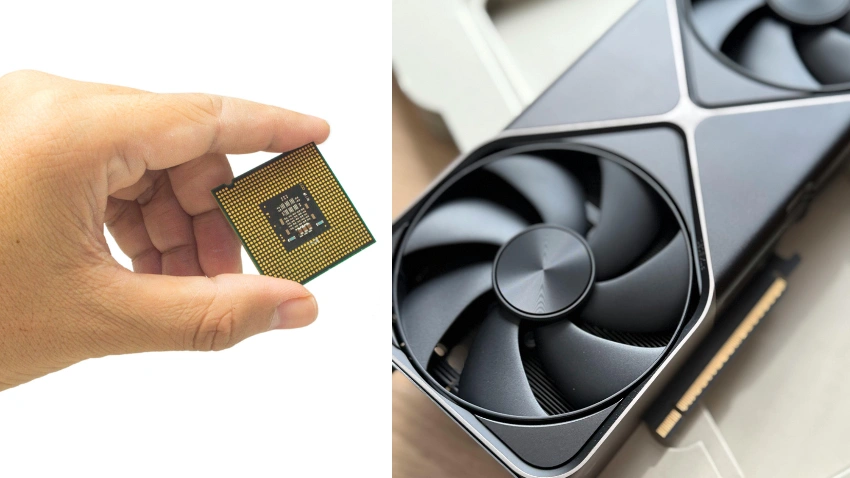
Some processors include integrated graphics, which allow a computer to display images and run supported graphical applications without a separate graphics card. Integrated graphics can be suitable for web browsing, office applications, video playback, and some light gaming. They are particularly useful in compact or budget-friendly computers where a dedicated GPU may not be necessary.
A dedicated graphics card is generally more suitable for demanding gaming, advanced 3D work, and GPU-accelerated creative applications. If you plan to use a dedicated GPU, consider how well the processor performs in your intended games or applications rather than assuming that the most expensive CPU will always deliver the best results.
When choosing a processor, check whether it includes integrated graphics and whether those graphics meet your needs. Not every CPU model within a processor family includes the same graphics capabilities, so reviewing the exact model specifications is important.
Pay Attention to Power Consumption and Cooling
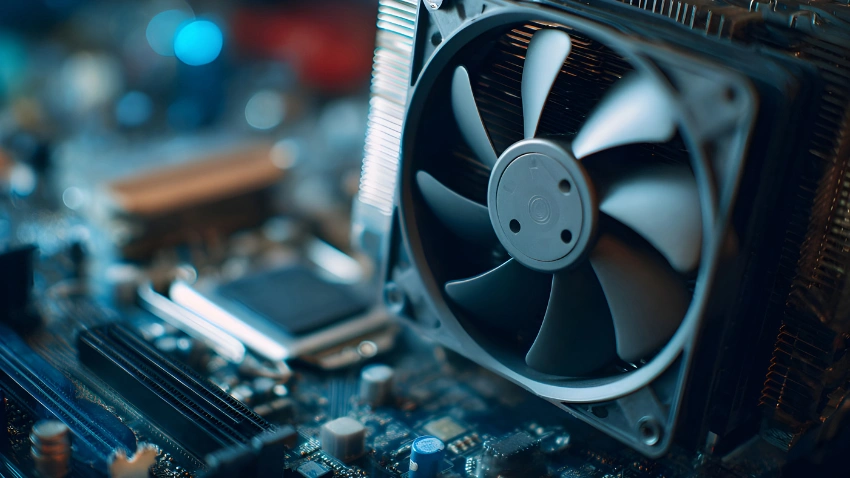
Processor performance is closely connected to power consumption and temperature. Under demanding workloads, a CPU generates heat that must be removed to maintain stable operation. A processor with higher power requirements may need a more capable cooling system and a motherboard that can handle its power demands.
When comparing processors, consider the following factors:
This is especially important when building a compact computer or choosing a laptop for intensive work. Two laptops with similar CPUs may perform differently because of differences in cooling systems and power limits. A balanced choice provides the performance you need while remaining within your system’s cooling and power limits.
Check the Processor Generation and Upgrade Options
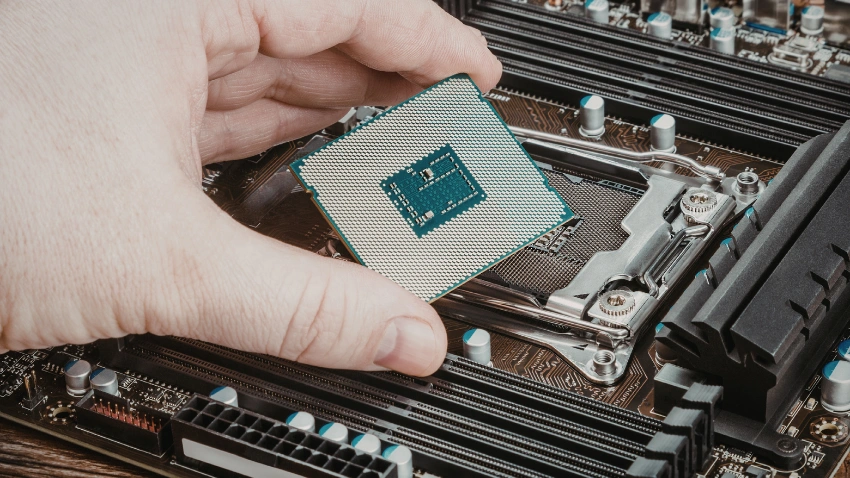
Processor generations matter because newer designs may introduce improvements in performance, power efficiency, supported technologies, and platform features. However, a newer processor is not necessarily faster than every older model. A higher-tier CPU from a previous generation may outperform a lower-tier model from a newer generation in certain workloads.
If you plan to upgrade your computer in the future, consider the platform’s compatibility and upgrade options. A motherboard that supports multiple processor generations may provide more flexibility, depending on its specifications and manufacturer support. This can help you plan future upgrades without replacing several components at once.
Before choosing, compare the actual performance difference between the models you are considering and determine whether the upgrade justifies its cost. Also, check whether newer processors require a different motherboard, memory type, or cooling solution.
Compare Real-World Benchmarks Before Buying

Processor specifications provide useful information, but benchmarks help show how a CPU performs in real applications. They allow you to compare processors using standardized tests and practical workloads. Looking at benchmark results can help you understand whether a processor delivers the performance you need rather than relying entirely on its specifications.
Look for benchmarks that match your intended use. Gaming benchmarks can show how processors perform in specific games, while rendering and productivity tests help evaluate performance in demanding creative applications. If you mainly use your computer for everyday work, prioritize tests that reflect those activities instead of focusing only on high-end gaming results.
Before making your decision, compare the following:
Avoid relying on a single benchmark score because different applications can produce different results. Reviewing several relevant tests provides a more complete picture of a processor’s capabilities.
Make Your Final Processor Choice
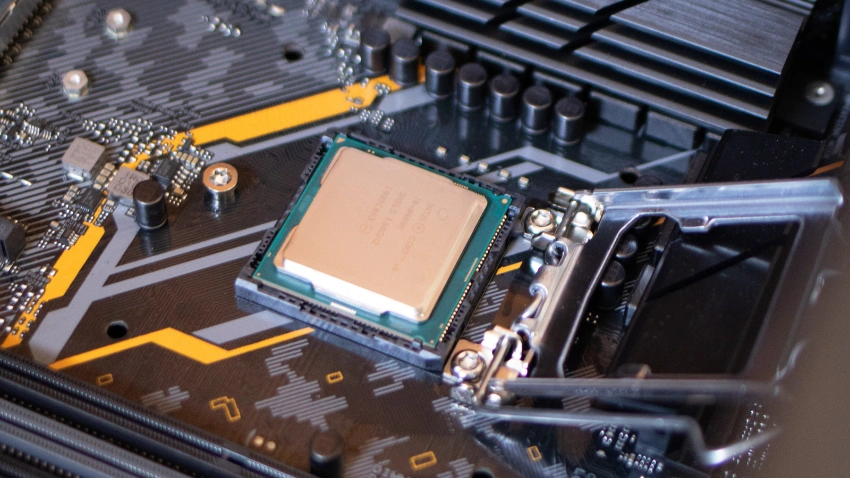
After comparing processor performance, features, compatibility, and price, narrow your options down to a few models that suit your needs. Consider how you use your computer, which applications you run, and whether you plan to upgrade your system in the future. This will help you choose a CPU that delivers the performance you need without paying for unnecessary features.
The right processor should provide a balance between performance, efficiency, and affordability. Instead of focusing only on specifications, think about how well the CPU will handle your everyday tasks and demanding applications. A well-matched processor can help you enjoy a smoother computing experience while making better use of your budget.
Final tip: Compare a few suitable processors, check their compatibility, and choose the one that meets your current needs while offering enough performance for your future computing requirements.
Find the Right Balance for Your Needs
The right processor is not necessarily the most expensive or the most powerful model available. It is the one that provides the performance, features, and compatibility your computer needs without unnecessary spending. Understanding your priorities can help you avoid paying for specifications that will not make a meaningful difference in your daily use.
Whether you are buying a computer for everyday tasks, gaming, or professional work, take time to compare suitable models before making your decision. A well-matched processor can help you build a computer that performs reliably today while supporting your future computing needs.
Choosing the right processor for your needs starts with understanding how you use your computer. Everyday tasks, gaming, and professional workloads all have different performance requirements, so there is no single processor that suits everyone.
Compare core counts, clock speeds, compatibility, power consumption, and real-world benchmarks before making your decision. By focusing on the features that matter most to your workload, you can choose a processor that delivers reliable performance without spending unnecessarily.
Frequently Asked Questions
It depends on your workload. Everyday computing can run comfortably on a modern processor with a modest core count, while video editing, rendering, and other demanding tasks may benefit from additional cores. Consider the software you use most often before choosing.
Both manufacturers offer processors for different needs. Compare individual models based on performance, power efficiency, features, compatibility, and price rather than choosing by brand alone. The right option depends on your intended workload and system requirements.
Not always. Clock speed is one factor in CPU performance, but architecture, instructions per clock, core count, and thermal limits also affect how quickly a processor completes tasks. Comparing real-world benchmarks provides a more accurate understanding of performance.
Sometimes. The replacement CPU must be supported by your motherboard’s socket, chipset, and BIOS. Many laptops also have processors that cannot be upgraded separately, so check your device’s specifications before purchasing a replacement.
Not necessarily. A processor with integrated graphics can handle many everyday tasks, including browsing, office work, and video playback. A dedicated GPU is generally more suitable for demanding gaming, advanced 3D applications, and graphics-intensive workloads.
Share This Article