
Choosing the Right Laptop for Work or Study is not simply about buying the newest model or choosing the laptop with the highest specifications. The best choice depends on how you plan to use it, how often you carry it, which programs you need, and how much you want to spend.
For everyday office work, online classes, assignments, research, presentations, and general browsing, you usually need a balanced laptop rather than an extremely powerful one. A comfortable keyboard, good battery life, enough RAM, fast SSD storage, and a clear display can make a bigger difference to your daily experience than specifications you may never use. Current laptop buying guides also emphasize matching the machine to your actual workload before choosing individual components.
Start by Understanding What You Actually Need

Before comparing laptop brands, think about what you will actually do on the computer. A student who mainly uses Microsoft Word, Google Docs, presentations, research websites, and video calls has very different requirements from someone studying programming, architecture, engineering, or video editing.
For office work and general study, focus on smooth everyday performance, comfortable typing, portability, battery life, and a good-quality screen. If your work involves demanding software, you may need a more powerful processor, additional RAM, or a dedicated graphics card.
Simple rule: Buy according to your workload, not according to the most impressive specification on the box.
Choose a Processor That Matches Your Work
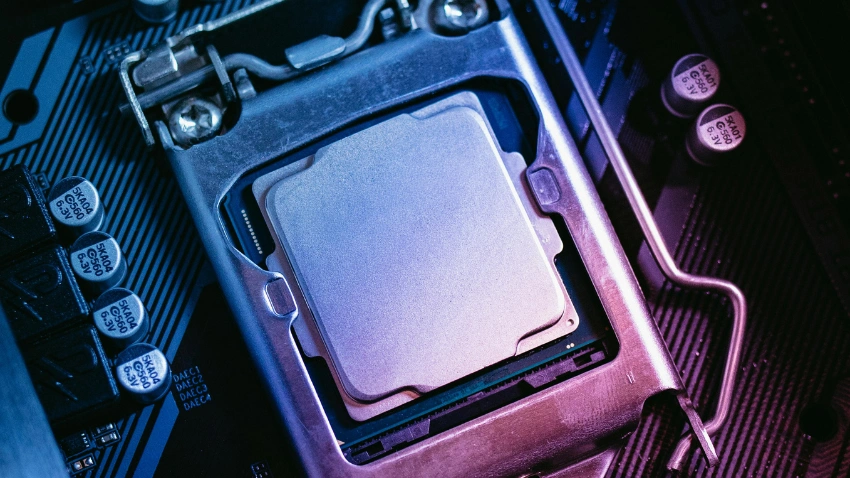
The processor affects how quickly your laptop handles everyday tasks. For browsing, documents, spreadsheets, online meetings, and normal study work, you do not necessarily need the most expensive processor available.
Modern Intel Core, AMD Ryzen, Apple Silicon, and Qualcomm-based laptops can all be suitable depending on the software you use. For more demanding work such as programming, large spreadsheets, editing, or specialized academic applications, stepping up to a stronger processor can make multitasking easier.
Instead of choosing a processor simply because it says Core i7 or another premium name, look at the complete laptop. A newer mid-range processor in a well-designed laptop can be a better everyday choice than an older high-end chip.
Get Enough RAM for Multitasking

RAM becomes especially important when you keep many browser tabs, documents, applications, and communication tools open at the same time.
For basic work and study, 8GB can handle lighter tasks, but 16GB is a more comfortable target if you want better multitasking and longer-term usefulness. Students working with programming tools or heavier applications may benefit even more from 16GB or above. Current student guides commonly recommend 16GB for demanding multitasking and technical study.
If your budget allows it, choosing 16GB can help you avoid feeling limited as your workload grows.
Quick tip: If two laptops have similar processors and one has significantly more RAM at a reasonable price, the extra memory can be worthwhile.
Prefer an SSD for Faster Everyday Use

Storage is another specification worth paying attention to. An SSD can make a laptop feel considerably faster during everyday tasks such as starting the computer, opening applications, loading files, and accessing documents.
For many work and study users, 512GB SSD storage is a practical starting point. It provides enough room for documents, applications, photos, and other files without immediately forcing you to rely on external storage. Some buyers can manage with 256GB, but that can become restrictive if you store large files locally. Current laptop buying guidance frequently places 512GB SSD storage in the practical sweet spot for general users.
Avoid focusing only on the storage number. Check whether the laptop uses a modern SSD rather than slower storage technology.
Pay Attention to Screen Size And Quality

A laptop screen is something you will look at for hours, so display quality should not be treated as an afterthought. A sharp Full HD or better display can make documents, websites, presentations, and videos easier to view.
For portability, a 13- or 14-inch laptop can be convenient because it is easier to carry between home, work, and school. A 15- or 16-inch model gives you more screen space and can be more comfortable if you work with large spreadsheets or multiple windows.
Brightness and viewing angles also matter. If you frequently work in bright rooms or move between different locations, a brighter display can make the laptop more comfortable to use.
Don’t Ignore Keyboard & Trackpad Comfort

A laptop can have excellent specifications and still be frustrating if the keyboard is uncomfortable. For students and office workers who type for several hours, keyboard quality can affect the entire experience.
Look for comfortable key spacing, useful key travel, a responsive trackpad, and a layout that makes sense to you. A backlit keyboard can also be helpful if you regularly work in the evening.
This is one reason business-oriented laptops are often attractive for work. They tend to put considerable attention into typing comfort and everyday usability rather than focusing only on headline specifications.
Check Battery Life Before You Buy
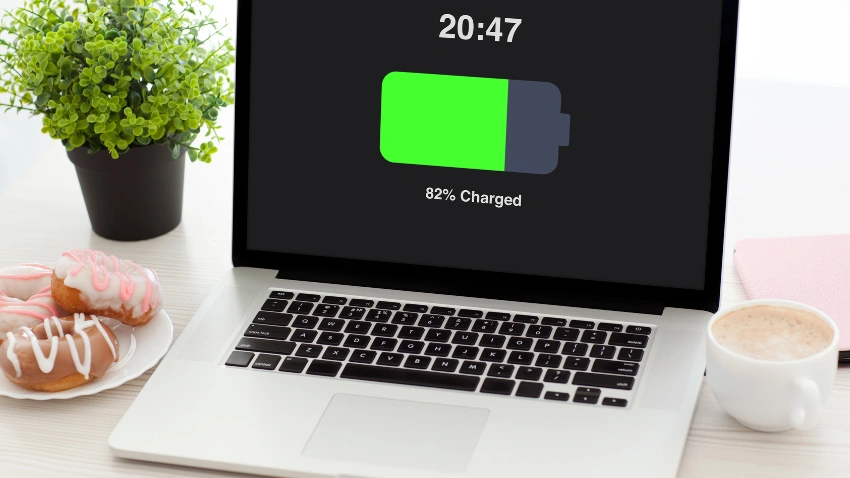
Battery life becomes especially important if you study at school, university, libraries, cafés, or work away from a desk. Constantly searching for a power outlet can quickly become annoying.
Look at independent reviews rather than relying only on the manufacturer’s maximum battery claim. Real battery life can vary depending on screen brightness, applications, video calls, browser usage, and power settings.
For students and mobile workers, a laptop that can comfortably handle a large part of the day away from the charger can be more useful than a slightly faster model with poor battery endurance. Battery life and portability are consistently highlighted as important factors in current laptop recommendations.
Simple rule: If you regularly carry your laptop outside the house, battery life should be one of your main buying criteria.
Think About Weight And Portability

A laptop may look perfect on paper, but carrying a heavy machine every day can change how much you enjoy using it. Students who travel between classes and workers who commute should consider weight as seriously as performance.
A lightweight 13- or 14-inch laptop can be easier to carry, while larger laptops may offer more screen space and additional hardware. The right balance depends on your routine.
If the laptop will mostly stay on a desk, weight may not matter much. If you carry it in a backpack every day, choosing something lighter can make a noticeable difference over time.
Make Sure It Has the Ports You Need
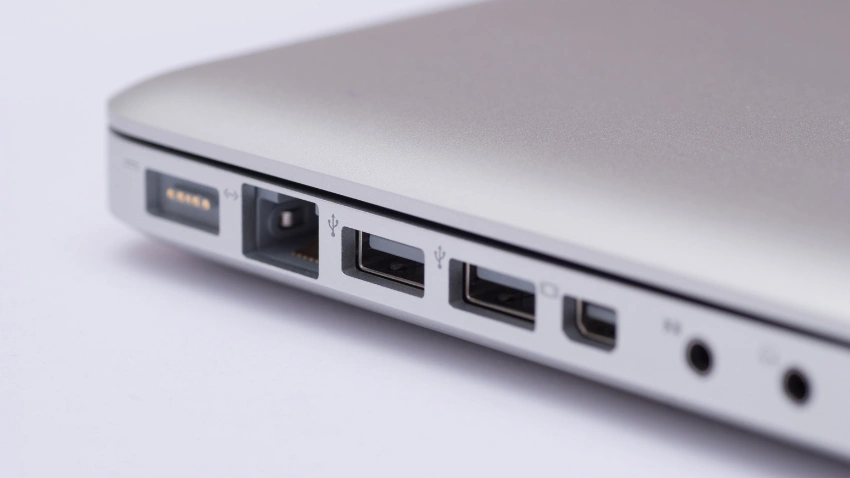
Modern laptops are becoming thinner, and some models have fewer physical ports than older machines. Before buying, check which connections you actually need.
For work and study, useful connections may include USB-C, USB-A, HDMI, an audio jack, and sometimes a memory card reader. If you regularly connect an external monitor, projector, mouse, keyboard, or storage drive, ports can save you from carrying extra adapters.
Do not assume that every laptop has the same connections simply because they are in the same price range. Checking the port selection before buying can prevent an annoying surprise later.
Choose the Operating System Carefully
Windows and macOS are both strong choices, but your decision should depend on the software and devices you already use.
Windows offers a very broad range of laptops and is commonly used in workplaces and educational environments. MacBooks are popular for their combination of portability, performance, battery life, and integration with Apple’s ecosystem. Chromebooks can also make sense for users whose work is primarily browser-based and cloud-focused.
Before switching platforms, check that the applications you need for work or study are supported. This is particularly important for specialized academic software, professional applications, and certain technical tools.
Set a Budget Before Comparing Models

Setting a budget first makes laptop shopping much easier. Otherwise, it is easy to keep adding features until the price is far beyond what you originally planned.
For basic office work and study, you can often avoid paying for gaming-level graphics or extremely powerful processors. If your course or profession requires demanding applications, however, spending more on the right components can be worthwhile.
Think about the total value rather than simply looking for the cheapest laptop. A slightly more expensive machine with better battery life, 16GB RAM, SSD storage, and a stronger build may remain useful for longer.
Keep it practical: Spend more on the features you will actually use every week.
Think About Long-Term Value

The cheapest laptop is not always the best deal. If you use your computer every day for several years, reliability, battery performance, keyboard quality, repairability, warranty, and software support can become just as important as the initial price.
Before buying, check reviews from reputable sources and look at the complete configuration rather than judging a laptop by one specification. Current laptop testing commonly considers performance, design, battery life, portability, and overall value together.
A good laptop should fit your current needs without becoming obviously outdated as soon as your workload increases.
A Simple Laptop Specification Checklist
If you mainly need a laptop for normal work, university, school, browsing, documents, meetings, and everyday multitasking, use this as a starting point:
These are starting points rather than strict rules because the right configuration changes with the type of work or study you do.
Common Mistakes to Avoid When Buying a Laptop
One common mistake is buying a laptop based only on the processor name. Another is choosing too little RAM or storage because the price looks attractive. Some buyers also overlook the screen, keyboard, battery, weight, and available ports.
It is also easy to spend extra money on performance that you will never use. A student doing assignments and research does not necessarily need a high-end gaming laptop, while someone studying video production or engineering may genuinely need more power.
The best approach is simple: decide what you will use the laptop for, set your budget, identify the specifications that matter for that workload, and then compare models.
Choosing the Right Laptop for Work or Study becomes much easier when you stop looking for the most powerful laptop and start looking for the one that fits your actual routine. Think about your software, workload, budget, battery needs, screen size, portability, and typing comfort before making a decision.
For many users, a modern processor, 16GB RAM, 512GB SSD, good display, comfortable keyboard, and dependable battery life provide a strong everyday combination. The goal is not to buy the most expensive machine—it is to choose a laptop that makes your work or study easier today while giving you enough room to grow tomorrow.
Frequently Asked Questions
For many everyday users, a modern processor, 16GB RAM, 512GB SSD, a good Full HD display, and dependable battery life provide a strong balance. More demanding fields may require additional performance.
8GB can be enough for basic browsing, documents, presentations, and online classes. However, 16GB is a more comfortable choice if you regularly multitask or use programming and other demanding applications.
For most students, 512GB provides a useful amount of space for applications, documents, projects, photos, and other files. Students working with large video or design files may need more storage or an external drive.
Choose 14 inches if portability is important. A 15- or 16-inch laptop can be better if you prefer a larger workspace and do most of your work at a desk.
It can be, but it may be unnecessary. Gaming laptops can offer powerful hardware, but they are often heavier and can have shorter battery life than productivity-focused laptops. For normal work and study, a lighter productivity laptop may be more practical.
Share This Article