
Buying a new TV can be confusing because there are so many options available, ranging from affordable LED models to premium OLED, QLED, and Mini-LED televisions with advanced features. While a TV may look impressive in a showroom, the best choice depends on several important factors, including your room size, viewing distance, daily viewing habits, preferred picture quality, sound requirements, smart features, gaming needs, connectivity options, and overall budget. Different TV technologies offer different advantages, so understanding their key differences can help you avoid spending money on features you may not actually need. Before making a purchase, it is important to compare specifications such as screen size, resolution, refresh rate, HDR support, brightness, display technology, HDMI ports, audio quality, and operating system. Taking these factors into account will help you choose a television that not only looks great but also provides reliable performance, useful features, and good long-term value for your home entertainment needs.
Choose the Right TV Screen Size
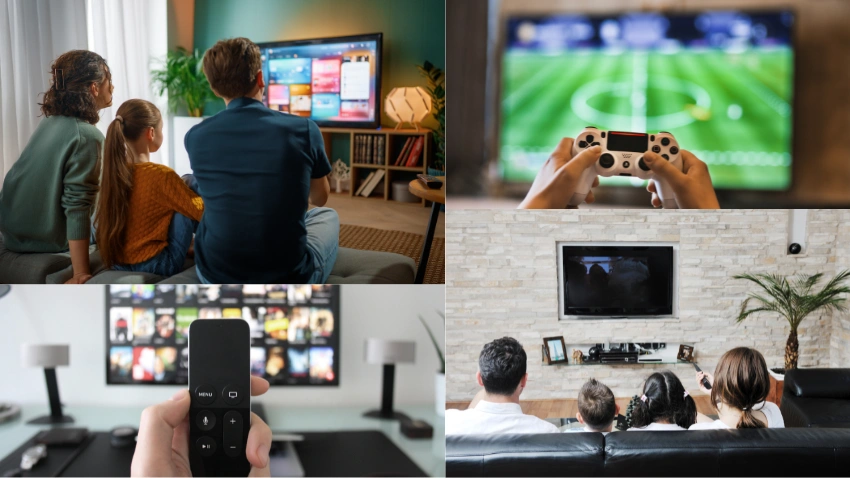
Screen size is one of the first and most important factors to consider when buying a new TV because it can significantly affect your viewing experience and how well the television fits into your room. A larger television can provide a more immersive and cinematic experience, especially when watching movies, sports, or playing video games, but it may not be suitable for a small room or a short viewing distance. Choosing a screen that is too large for your space can make viewing uncomfortable, while a screen that is too small may not provide the immersive experience you want. Before purchasing, carefully measure the available wall or entertainment-unit space and consider how far you normally sit from the screen. You should also think about the TV’s placement, viewing angles, and whether the surrounding furniture can comfortably accommodate the chosen size.
Popular TV sizes include 43, 50, 55, 65, 75, and 85 inches, giving buyers plenty of options for different room sizes and entertainment setups. For many living rooms, a 55- or 65-inch TV can provide a comfortable balance between screen size, viewing distance, picture detail, and overall room aesthetics. Smaller 43- or 50-inch models may work well in bedrooms, apartments, offices, or compact spaces, while 75- and 85-inch televisions are better suited to larger rooms where viewers can sit farther away. However, the ideal TV size ultimately depends on your room layout, viewing distance, available space, personal preference, and budget. Taking accurate measurements before shopping can help you select a screen size that feels comfortable and delivers an enjoyable viewing experience without overwhelming the room.
Understand Different TV Display Technologies
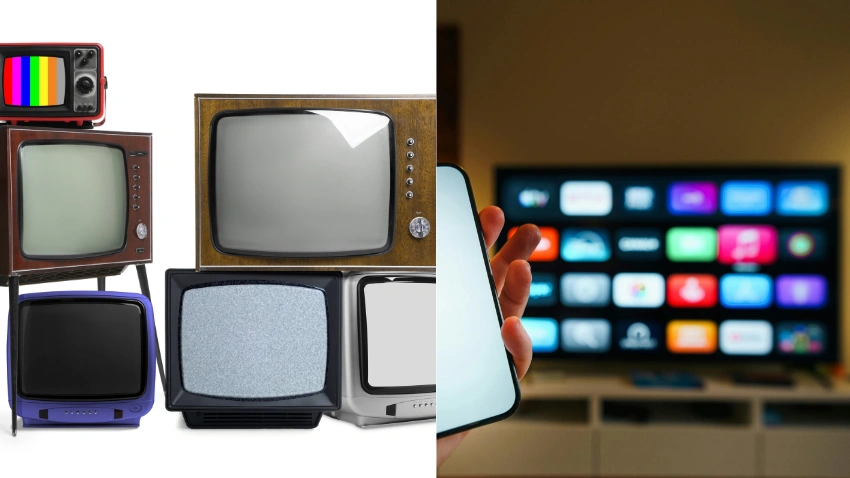
Modern TVs use several display technologies, and understanding the differences between them can help you make a better and more informed decision when choosing a television for your home. Each display technology offers different advantages in terms of picture quality, brightness, contrast, color reproduction, viewing experience, and price. Instead of choosing a TV simply because it uses the latest technology, it is important to understand how each option performs and which one best matches your room, viewing habits, and entertainment needs.
When choosing between these display technologies, consider your viewing environment, room lighting, preferred content, screen size, and overall budget rather than selecting a technology simply because it sounds more advanced. A premium display is not necessarily the right choice for every household, and a less expensive TV may provide everything you need for everyday viewing. Comparing real-world picture performance, features, reliability, and price can help you select a TV that offers the best value for your specific needs.
Check Picture Quality
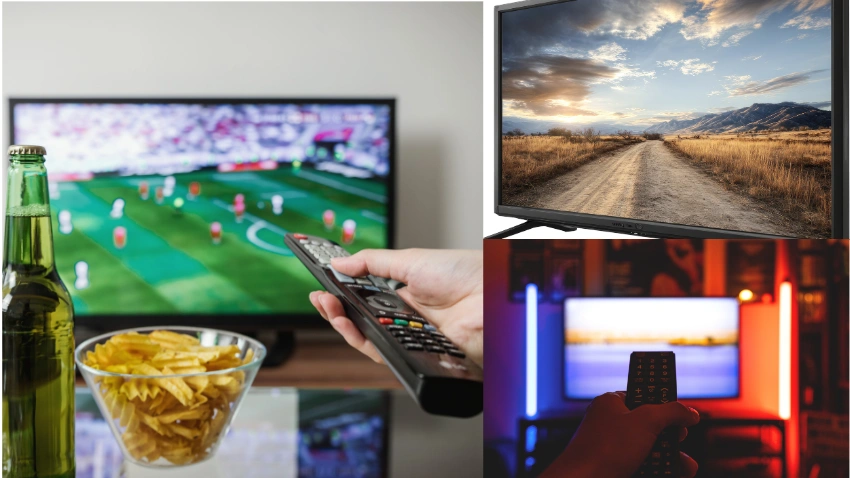
Picture quality is one of the most important factors to consider when choosing a new TV because it directly affects how enjoyable your movies, TV shows, sports, games, and streaming content will look. When comparing different models, look beyond the screen resolution and pay attention to factors such as contrast, brightness, color accuracy, HDR support, black levels, viewing angles, and image-processing technology. A TV with a high resolution does not automatically guarantee the best picture, as the quality of the panel, processor, backlight, and picture settings can also have a major impact on the final image. It is also useful to consider the type of content you watch most often, since some TVs perform particularly well with movies and cinematic content while others may be better suited to sports, gaming, or brightly lit rooms.
For most buyers, 4K resolution is the practical choice because it provides sharp, detailed images and is widely supported by modern streaming services, Blu-ray content, computers, and gaming devices. Compared with older Full HD televisions, 4K can provide noticeably greater detail, particularly on larger screens and when viewed from an appropriate distance. If you are buying a very large screen or want a premium home theater experience, higher-end display technologies, advanced image processors, improved HDR performance, stronger contrast, and enhanced color reproduction may also be worth considering. However, it is important to balance these premium features with your budget and actual viewing needs so that you invest in picture-quality improvements you will genuinely notice and enjoy.
Look for HDR Support
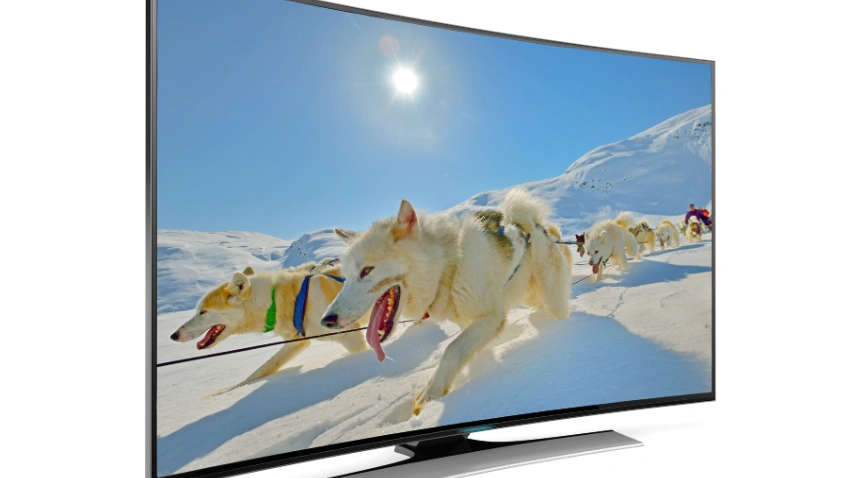
High Dynamic Range (HDR) can significantly improve the visual experience by providing a wider range between dark and bright areas while enhancing colors, contrast, highlights, and fine details. When watching HDR-compatible content, a good TV can display brighter highlights, deeper shadows, richer colors, and more realistic details, making movies, shows, sports, and games appear more immersive and lifelike. HDR is especially valuable on modern 4K televisions because it can help take advantage of the improved picture quality offered by high-resolution content.
Common HDR formats include:
Not every TV supports every HDR format, so checking HDR compatibility before buying can help you get the most from your television and the content you watch. If you frequently watch movies and streaming content, a TV with broad HDR support can provide better picture quality when playing compatible programs. It is also important to consider brightness, contrast, color accuracy, and overall display performance, because simply having HDR support does not guarantee excellent HDR picture quality. Comparing these features together can help you choose a TV that delivers a more detailed, vibrant, and enjoyable viewing experience. from supported content.
Consider the TV Refresh Rate
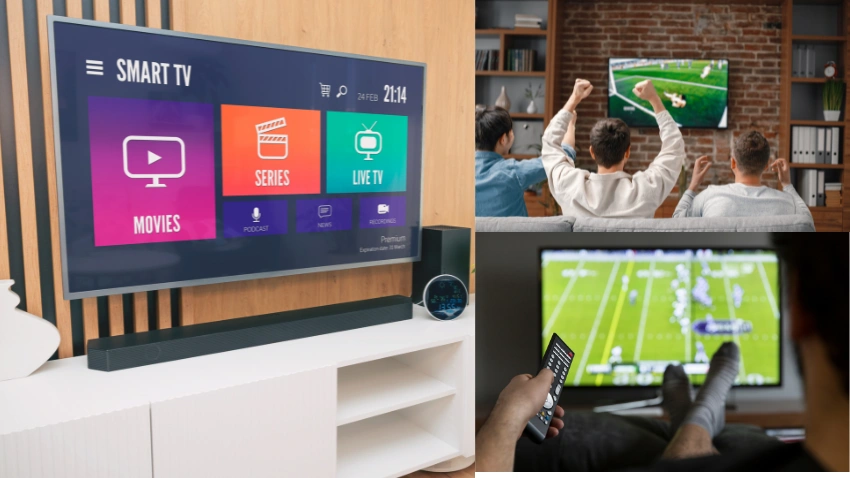
Refresh rate refers to how many times a TV screen can refresh and display a new image per second, and it is an important specification to consider when you want smooth and clear motion. A higher refresh rate can make fast-moving content appear smoother, reducing visible motion blur and making quick movements easier to follow. This can be particularly noticeable when watching sports, action movies, racing, or playing fast-paced video games. However, the benefits of a higher refresh rate also depend on the content being viewed and whether the TV can properly process and display that content at its native refresh rate.
A 60Hz TV can be suitable for regular TV programs, news, movies, and casual streaming, especially for viewers who do not require advanced motion performance. A 120Hz panel can be particularly useful for sports, action movies, and gaming because it can provide smoother motion and a more responsive viewing experience when compatible content and devices are used. Gamers may especially benefit from a 120Hz display when using consoles or PCs that can output higher frame rates, as it can make gameplay feel smoother and more fluid.
When comparing TVs, make sure you distinguish the actual panel refresh rate from marketing terms that may describe motion processing, frame interpolation, or other software-based enhancements rather than the TV’s native refresh rate. Some manufacturers use different names and numbers to promote motion performance, which can make specifications confusing. Checking the manufacturer’s detailed specifications and confirming the native refresh rate can help you understand what the TV can actually deliver and avoid paying extra for a feature that may not provide the expected performance.
Check HDMI Ports and Connectivity
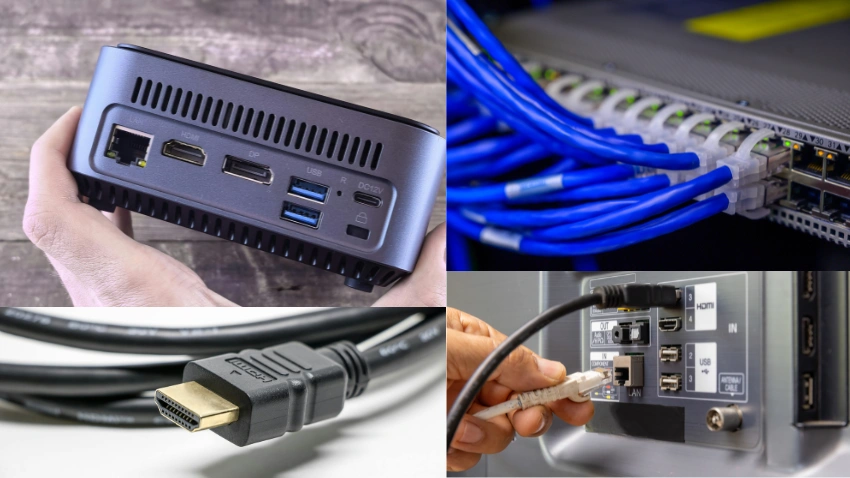
Connectivity is easy to overlook when buying a new TV, but it becomes increasingly important once you start connecting multiple devices to your television. Before making a purchase, check how many HDMI ports the TV has, where those ports are located, and what HDMI standards they support. Having enough compatible connections can make it easier to connect your gaming console, soundbar, streaming device, Blu-ray player, computer, or other entertainment equipment without constantly unplugging and reconnecting devices. It is also worth checking whether the TV supports newer connectivity standards if you plan to use modern gaming or home-theater equipment in the future.
Look for features such as:
If you plan to connect a gaming console, soundbar, streaming device, Blu-ray player, computer, or several other accessories, make sure the TV has enough suitable ports for your current and future needs. Checking connectivity before buying can save you from needing additional adapters or HDMI switches later. A TV with versatile and well-equipped connectivity can also make your entertainment setup easier to manage and more convenient over the long term.
Choose a Smart TV Platform
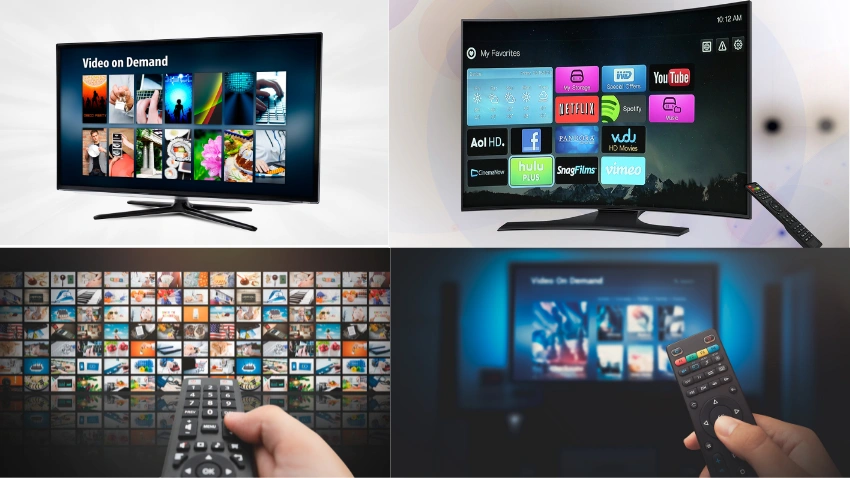
Most modern televisions include built-in smart features that allow users to access streaming services, online applications, internet-based content, and various entertainment options directly from the TV without needing a separate streaming device. The operating system plays an important role because it determines how easily you can access streaming apps, adjust settings, use voice controls, install applications, and navigate different menus. A fast and well-designed smart TV platform can make everyday use much more convenient, while an outdated or slow system can become frustrating over time. When choosing a smart TV, consider not only the display and picture quality but also the software experience, available applications, performance, and long-term support.
When comparing smart TVs, consider:
A TV with excellent hardware can still be frustrating if its software is slow, frequently crashes, contains complicated menus, or does not support the applications you need. For this reason, the smart-TV experience should be an important part of your purchasing decision rather than an afterthought. Choosing a television with a reliable operating system, useful apps, responsive performance, convenient controls, and good software support can make everyday entertainment easier and help your TV remain useful for longer.
Think About Gaming Features
If you are buying a TV primarily for gaming, picture quality alone is not enough to guarantee a great gaming experience. A gaming-focused television should also provide fast responsiveness, smooth motion, low input delay, and strong connectivity for modern consoles and gaming PCs. Features such as a high refresh rate, HDMI 2.1 support, Variable Refresh Rate, and Auto Low Latency Mode can make gameplay feel smoother and more responsive. Before purchasing, consider the type of games you play, the gaming device you use, and whether you plan to upgrade your console or PC in the future.
Important gaming features include:
These features can make games feel more responsive and enjoyable while reducing problems such as screen tearing, stuttering, input delay, or inconsistent motion. If gaming is a major reason for buying a new TV, it is worth comparing these specifications carefully instead of focusing only on screen resolution or display technology. Choosing a TV with strong gaming performance can provide a smoother experience and help you get the most from modern gaming consoles and PCs.
Check Sound Quality
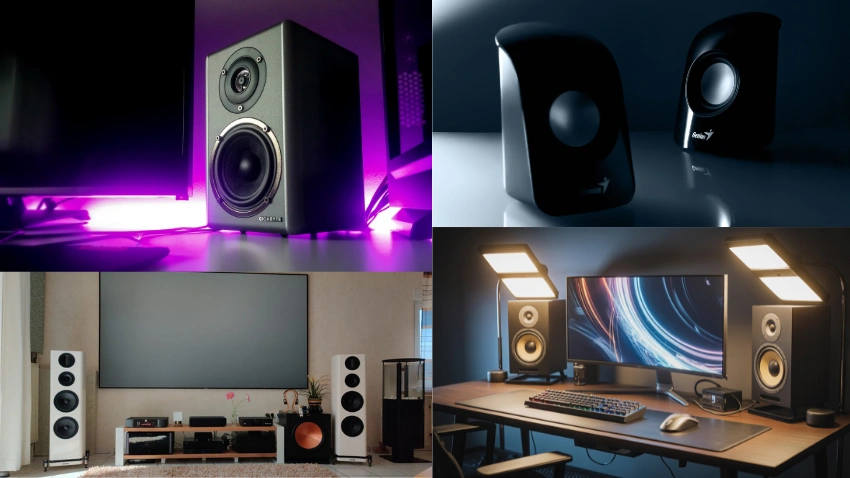
Modern TVs are often designed to be extremely thin and lightweight, which can limit the amount of space available for built-in speakers and audio components. As a result, a television may offer excellent picture quality, vibrant colors, and impressive visuals while providing only average sound quality. Thin built-in speakers may struggle to produce deep bass, clear dialogue, or a wide and immersive soundstage, especially in larger rooms. Before purchasing, check the speaker configuration, audio output, sound modes, and supported audio technologies to make sure the TV can deliver a satisfying listening experience for your needs. If you enjoy watching movies, sports, music, or other content where clear and powerful audio is important, consider whether you may eventually need a soundbar, external speakers, or a complete home theater system to complement the TV’s picture quality.
A TV with eARC can be especially useful when connecting a compatible soundbar, AV receiver, or other external audio system because it can support higher-quality audio connections and advanced audio formats. This can make it easier to create a more immersive home entertainment setup without relying entirely on the TV’s built-in speakers. Even if you do not plan to purchase a soundbar immediately, choosing a TV with good audio connectivity can provide greater flexibility for future upgrades. Considering sound quality and audio connectivity alongside picture quality can help ensure that your new TV delivers a more complete and enjoyable entertainment experience.
Consider Brightness and Your Room Lighting
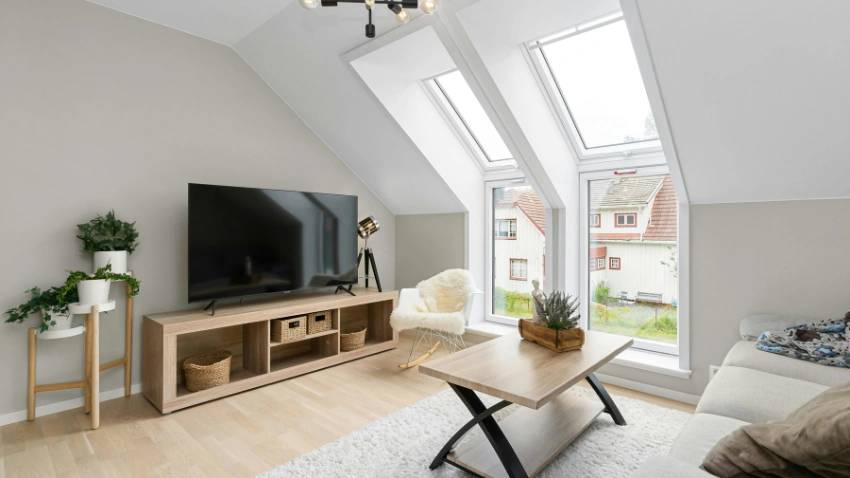
Your room’s lighting should play an important role when choosing a new TV, as the amount of natural and artificial light can directly affect how clearly you see the picture. If your living room receives a lot of sunlight during the day, a brighter TV can make images, colors, and details easier to see without appearing washed out. OLED televisions are known for outstanding contrast, deep blacks, and excellent picture quality, while many LED and Mini-LED models can deliver very high brightness, making them a practical choice for bright rooms. Consider when you normally watch TV and how much daylight enters the room before deciding which display technology is best for your space.
Also consider reflections when choosing the right TV for your home. If the screen will be positioned opposite large windows, lamps, or strong overhead lights, reflections can become distracting and reduce the overall viewing experience. A TV with good anti-reflection or anti-glare properties can help minimize unwanted reflections and maintain better visibility, especially during daytime viewing. Positioning the TV away from direct light sources can also improve picture clarity, so consider both the screen’s coating and the placement of the television before making your final purchase.
Check Energy Consumption
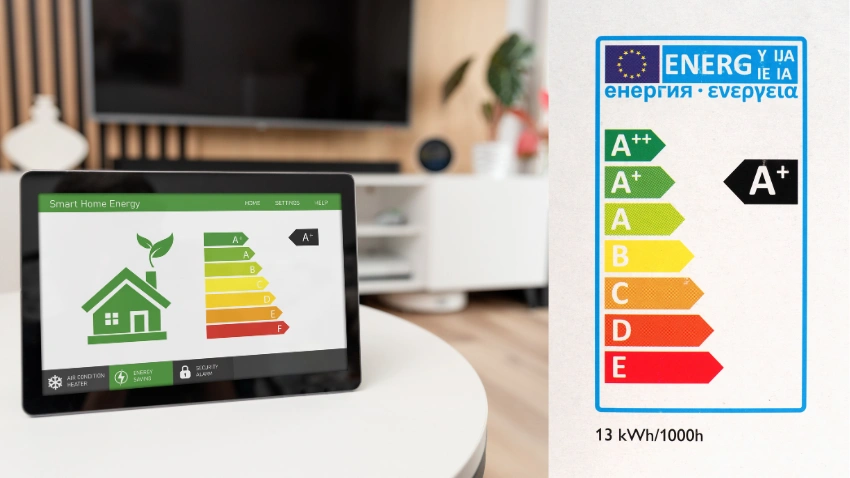
A television can remain in your home for many years, so energy efficiency is another important factor worth considering before making a purchase. Since a TV may be used for several hours each day, its electricity consumption can have an impact on your household energy costs over time. Check the TV’s energy label, estimated annual electricity consumption, and efficiency rating to understand how much power the model is likely to use. Comparing these details across different screen sizes and display technologies can help you choose a television that delivers good picture quality while remaining reasonably efficient for everyday use.
If you watch television for several hours every day, choosing a more energy-efficient model can help reduce long-term operating costs and make your entertainment setup more economical. Energy consumption can vary significantly depending on screen size, brightness settings, display technology, HDR usage, and how frequently the TV is used. Larger screens and very high brightness levels may generally require more power, while adjusting picture settings to suit your room can sometimes help reduce unnecessary energy use. Considering both the purchase price and ongoing electricity consumption can help you make a smarter long-term TV buying decision.
Compare Price, Warranty, and After-Sales Support

Don’t choose a TV based only on its advertised price, as the cheapest option is not always the best value in the long run. Before making your final decision, compare the overall value you receive, including warranty coverage, repair support, replacement policies, customer service, and availability of spare parts. A television is a long-term investment, and reliable after-sales support can make a significant difference if the TV develops a technical problem after purchase. It is also worth checking whether the manufacturer provides authorized service and genuine replacement components in your area.
Before buying, check:
A slightly more expensive model from a reliable brand may offer better long-term value than a cheaper television with limited support. A strong warranty, accessible service centers, dependable customer support, and readily available accessories can provide greater peace of mind after your purchase. When comparing TV prices, consider both the initial cost and the potential cost of repairs, replacements, and maintenance over several years. Choosing a dependable model with comprehensive support can help you avoid unexpected expenses and enjoy a better overall ownership experience.
TV Buying Comparison Table
| Feature | Basic TV | Mid-Range TV | Premium TV |
| Resolution | 4K | 4K | 4K or higher |
| Display | LED/LCD | QLED/LED/Mini-LED | OLED/QD-OLED/Mini-LED |
| Refresh Rate | Usually 60Hz | 60–120Hz | Often 120Hz+ |
| HDR | Basic HDR | Multiple HDR formats | Advanced HDR support |
| Gaming | Basic | Good | Advanced |
| HDMI | Standard HDMI | Multiple HDMI ports | HDMI 2.1 often available |
| Sound | Basic | Improved | Better, but soundbar may still help |
| Price | Lower | Moderate | Higher |
Common Mistakes to Avoid When Buying a TV
Avoiding a few common mistakes can help you make a smarter purchase.
Choosing a new TV requires more than simply selecting the largest screen or the highest resolution available. You should consider screen size, display technology, picture quality, HDR support, refresh rate, connectivity, smart features, gaming performance, sound quality, brightness, energy consumption, price, and warranty support before making your final decision. Each of these factors can affect your overall viewing experience, so it is important to understand which features are most suitable for your room, lifestyle, and entertainment needs. A TV with impressive specifications may not necessarily be the best choice if its features do not match the way you actually use it.
Start by deciding how and where you will use the TV, including your preferred viewing distance, room lighting, content preferences, gaming needs, and available budget. Then compare different models based on the features that matter most to you rather than focusing only on brand name or advertised specifications. Taking a little time to research TV features, compare prices, read reviews, and check warranty and after-sales support can help you make a more informed purchase. With careful planning and comparison, you can choose a television that delivers an enjoyable viewing experience, provides good value for money, and remains useful and reliable for years to come.
Frequently Asked Questions (FAQs)
For most buyers, 4K is the best overall choice because it offers sharp image quality and is widely supported by modern streaming services and devices.
OLED can provide superior contrast and deep blacks because each pixel can turn itself off. However, LED and Mini-LED TVs can offer excellent brightness and may be better suited to some bright rooms.
A 120Hz refresh rate can be worthwhile for gaming, sports, and other fast-moving content because it can provide smoother motion.
It depends on your devices. If you use a gaming console, soundbar, streaming device, and other equipment, having several HDMI ports can make setup easier.
Not necessarily, but a soundbar can significantly improve dialogue, bass, volume, and the overall movie-watching experience compared with many built-in TV speakers.
Check the operating system, available apps, interface performance, Wi-Fi and Bluetooth connectivity, voice-control options, software updates, and compatibility with the services you use most.
Share This Article