

Earbuds are useful for listening to music, making calls, watching videos, attending online meetings, and enjoying audio while travelling. However, choosing the right pair can be confusing because different models offer different designs, sound quality, battery life, and extra features. Some earbuds are designed for everyday listening, while others focus on workouts, commuting, or professional calls.
Before buying a new pair, consider how you will use them most often. You may need comfortable earbuds for long listening sessions, a reliable microphone for meetings, or a secure fit for exercise. Understanding these differences can help you avoid spending money on features you do not need.
Here are 10 important things to consider before buying earbuds so you can compare your options and choose a pair that suits your lifestyle and budget.
Decide Whether Wired or Wireless Earbuds Suit You Better
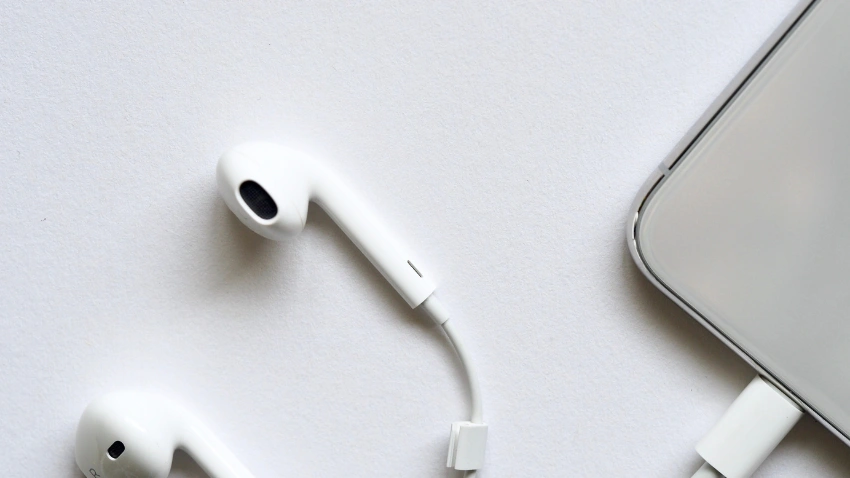
The first step is deciding between wired and wireless earbuds. Wired earbuds connect directly to a compatible device and do not require battery charging. They can be convenient for people who prefer a simple listening experience, although the cable may get tangled or restrict movement. Some newer phones may also require an adapter if they do not have a compatible headphone port.
Wireless earbuds connect through Bluetooth and allow you to move around without dealing with cables. They are especially convenient for commuting, exercising, and switching between everyday activities. Many models also come with a charging case and built-in controls. However, they need regular charging, and their features may vary depending on the device you connect them to.
Think about your routine: If you mostly listen while sitting at a desk, wired earbuds may be sufficient. If you listen while walking, travelling, or working out, wireless earbuds may offer greater convenience.
Check Sound Quality Instead of Relying on Specifications Alone

Sound quality is one of the most important factors because it determines how enjoyable your listening experience will be. Some earbuds emphasize bass, while others provide a more balanced sound with clearer vocals and instruments. Your preference may depend on whether you listen mostly to music, podcasts, audiobooks, or videos.
A useful way to compare earbuds is to listen to different types of audio. Music can help you notice bass and instrument detail, while podcasts and videos can reveal whether voices sound clear and natural. If you cannot test the earbuds in person, look for reviews that include actual listening impressions rather than relying only on promotional descriptions.
What to listen for
One important detail is that a higher price or a larger driver does not automatically guarantee better sound. Comfort, tuning, fit, and personal preference all influence how earbuds sound to you.
Choose a Fit That Feels Comfortable for Long Listening Sessions
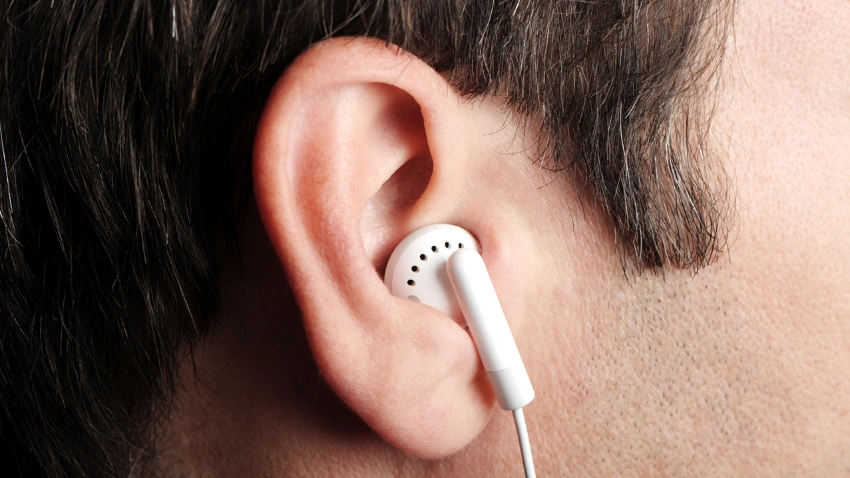
Comfort can make the difference between earbuds you enjoy using every day and a pair you stop wearing after a short time. Ear shapes vary, so the same earbuds may fit one person securely but feel uncomfortable or loose for another. If earbuds create pressure, slip out frequently, or feel too heavy, they may become frustrating during longer listening sessions.
In-ear earbuds usually come with silicone tips in different sizes. Choosing the right tip can help improve both comfort and stability. Open-fit earbuds have a different shape and may feel less intrusive for some people, although they generally provide less isolation from outside noise.
Before choosing a pair, consider:
If possible, try the earbuds before buying them. For online purchases, check the return policy, since a comfortable fit is personal and cannot always be judged from product pictures.
Compare Battery Life and Charging Convenience
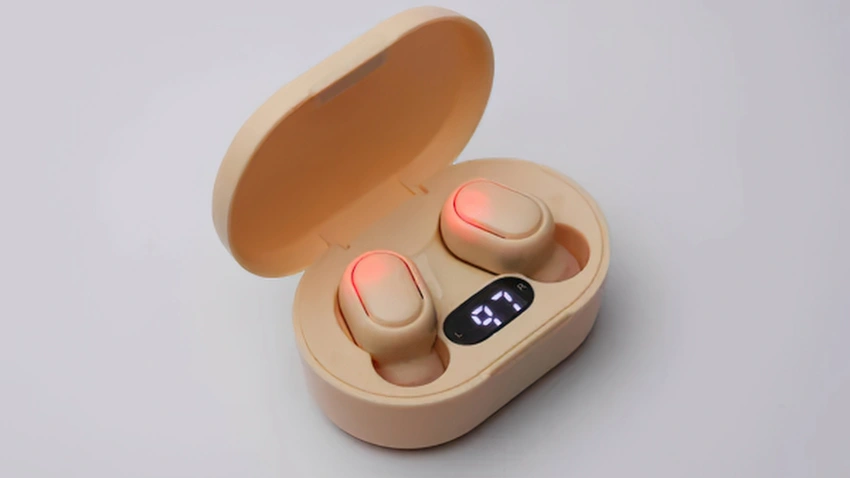
Battery life matters most when you use wireless earbuds throughout the day or away from a power source. Manufacturers often list playback time for the earbuds themselves and additional charges from the case. Check both figures to understand how long you can use them before needing to recharge.
Real-world battery life may be shorter than advertised, especially when using features such as active noise cancellation or making frequent calls. Charging speed is also worth considering. A quick-charge feature can be useful when you forget to charge your earbuds before leaving home.
| Battery feature | What to consider |
| Earbud playback time | Whether one charge covers your usual listening sessions |
| Charging case | How much extra listening time it provides |
| Charging speed | How long a full recharge takes |
| Quick charging | Whether a short charge gives useful playback time |
| Battery indicator | How easily you can check remaining power |
Example: If you mainly use earbuds for short commutes, you may not need the longest battery life available. But if you listen during work, travel, and exercise, a model with longer playback and a dependable charging case may be more convenient.
Understand Noise Cancellation Before Paying Extra

Noise cancellation can make listening more comfortable in busy environments, but it is not equally useful for everyone. Active noise cancellation, or ANC, uses microphones and electronic processing to reduce certain background sounds. It can be helpful when travelling, working in a noisy space, or listening near steady background noise.
However, ANC does not eliminate every sound. Its effectiveness depends on the earbuds, how they fit, and the type of noise around you. A good physical seal can also reduce some outside noise even without electronic cancellation.
Some models include an ambient or transparency mode, which lets outside sounds pass through the earbuds. This can be useful when you need to hear announcements or have a quick conversation without removing them.
Choose based on where you listen:
Look for Clear Microphone Performance

If you use earbuds for phone calls, video meetings, or voice messages, do not overlook microphone quality. A pair may sound excellent when playing music but still make your voice unclear during calls. This is particularly important if you regularly attend online meetings or speak while walking outdoors.
Microphone performance can vary depending on microphone placement, background-noise processing, and the environment. Some earbuds handle quiet indoor calls well but struggle in windy or crowded places. Checking real-world microphone tests can give you a better idea of how they perform than simply reading that they include multiple microphones.
For work calls, consider how easily the earbuds connect to your computer and whether they maintain a stable connection. Clear voice pickup, reliable connectivity, and comfortable wear can make long meetings easier.
Check Bluetooth Compatibility and Connection Features
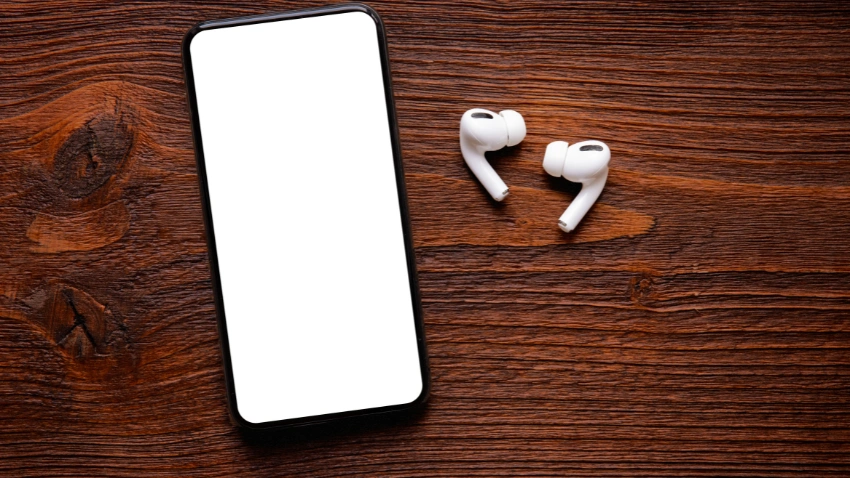
Wireless earbuds should work smoothly with the devices you use most often. Before purchasing, confirm that they are compatible with your phone, tablet, laptop, or other Bluetooth-enabled equipment. Some earbuds support additional features only when paired with certain devices or operating systems.
If you regularly switch between a phone and laptop, multipoint connectivity may be useful. It allows supported earbuds to connect to two devices at the same time. Other features, such as quick pairing and companion apps, can make everyday use more convenient.
| Feature | Why it may matter |
| Bluetooth compatibility | Helps ensure the earbuds work with your devices |
| Multipoint connection | Useful when switching between a phone and laptop |
| Companion app | May provide sound settings and customizable controls |
| Quick pairing | Can make connecting to supported devices easier |
Do not assume every feature works on every device. Check the manufacturer’s compatibility details, especially if you plan to use the earbuds across different platforms.
Consider Water and Sweat Resistance for Your Activities

Water and sweat resistance can be useful if you plan to wear earbuds during workouts, outdoor walks, or daily travel. Some models are designed to handle sweat and light splashes, while others offer different levels of protection against moisture and dust.
Check the exact resistance rating rather than relying only on descriptions such as “sweatproof.” Ratings indicate specific levels of protection, and they do not mean the earbuds can be used safely in every wet condition. The charging case may also have a different rating from the earbuds themselves.
For example: If you mainly use earbuds at home, water resistance may not be a major priority. If you exercise regularly, a suitable rating and secure fit may be more important. Always follow the manufacturer’s care instructions, and avoid exposing earbuds to conditions beyond their stated protection.
Compare Controls and Features You Will Actually Use

Earbud controls can save time by letting you pause music, answer calls, skip tracks, or adjust settings without taking out your phone. Depending on the model, controls may use touch gestures, physical buttons, or pressure-sensitive areas. Some are customizable through a companion app, while others have fixed controls.
Extra features can also influence convenience, but they should match your routine. For example, in-ear detection may pause audio when you remove an earbud, while a find-my-earbuds feature can help when you misplace them. These options can be helpful, but they are not essential for every user.
A simple way to decide: Focus on features you can imagine using regularly. If you mainly listen to music and take occasional calls, basic playback and call controls may be enough. If you frequently switch devices or adjust sound settings, more advanced controls may be worth considering.
Compare Price, Warranty, and Seller Reliability
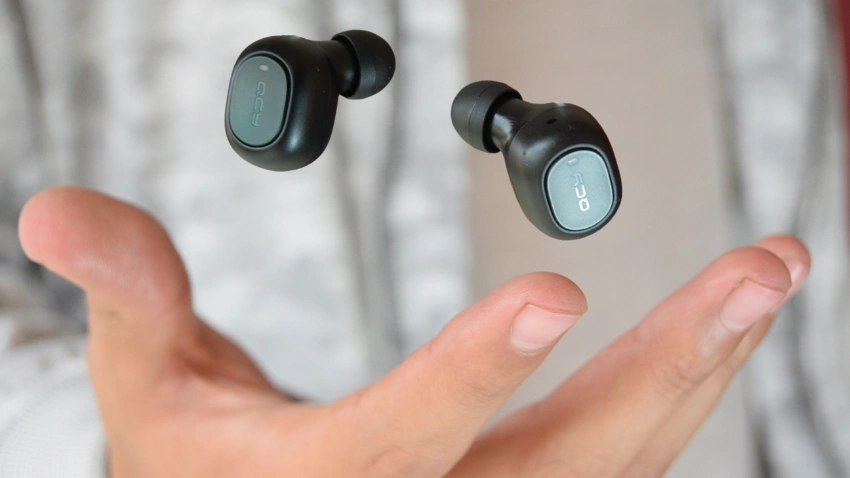
Once you have found a few suitable models, compare their prices and overall value. A higher-priced pair may offer advanced noise cancellation, improved call features, or a more detailed companion app. However, you may not need those extras if you mainly use earbuds for casual listening.
Warranty and seller reliability are also important. Check how long the warranty lasts, what it covers, and whether the seller provides a valid receipt. If you are buying online, review the return policy in case the earbuds do not fit comfortably or perform as expected.
Before completing your purchase
A lower price can be attractive, but it is worth checking whether the product includes the support and features you need. Choosing earbuds that fit your routine and have reliable after-sales support can help you avoid unnecessary replacement costs.
A Quick Way to Narrow Down Your Choices
If you are comparing several earbuds, start by choosing your three most important features. For example, you might prioritize comfort, sound quality, and battery life. Someone else may care more about microphone performance, noise cancellation, and a secure fit.
Then compare only the models that meet those priorities and fit your budget. This makes the decision more manageable and helps prevent a long list of extra features from distracting you from what matters most.
Buying earbuds involves more than choosing a popular brand or an attractive design. Sound quality, comfort, battery life, noise cancellation, microphone performance, and compatibility all affect how well a pair works for everyday use. Water resistance, controls, warranty, and seller reliability are also worth checking before making a purchase.
The right earbuds are the ones that suit your listening habits and provide the features you will actually use. Compare a few options, read real-world reviews, and make sure the fit feels comfortable. Taking these steps can help you choose earbuds that work well for your daily routine and offer good value for your money.
Frequently Asked Questions
Start by deciding whether you want wired or wireless earbuds and how you plan to use them. Then compare comfort, sound quality, battery life, and the features that matter most to your routine.
Neither type is automatically better for everyone. Wireless earbuds offer freedom of movement, while wired earbuds do not need charging and can provide a simple listening experience.
Battery life is important if you use earbuds for long periods or travel frequently. Check both the playback time of the earbuds and the extra charges provided by the case.
Not necessarily. Noise cancellation can be useful in busy environments, but if you mostly listen in quiet places, comfort and sound quality may be more important.
Look for a design that suits your ears and check whether different ear-tip sizes are included. If possible, try them before buying and make sure they feel secure without causing pressure.
Not always. Compare the sound quality, comfort, battery life, and features within your budget. A more affordable pair may be suitable if you do not need advanced functions.
Share This Article